

An AI agent and an MCP server for Salesforce. No Agentforce license. No Flex Credits.
Let Claude or ChatGPT work with your Salesforce data, and give your users a chat assistant inside Salesforce. Open source, built in plain Apex.
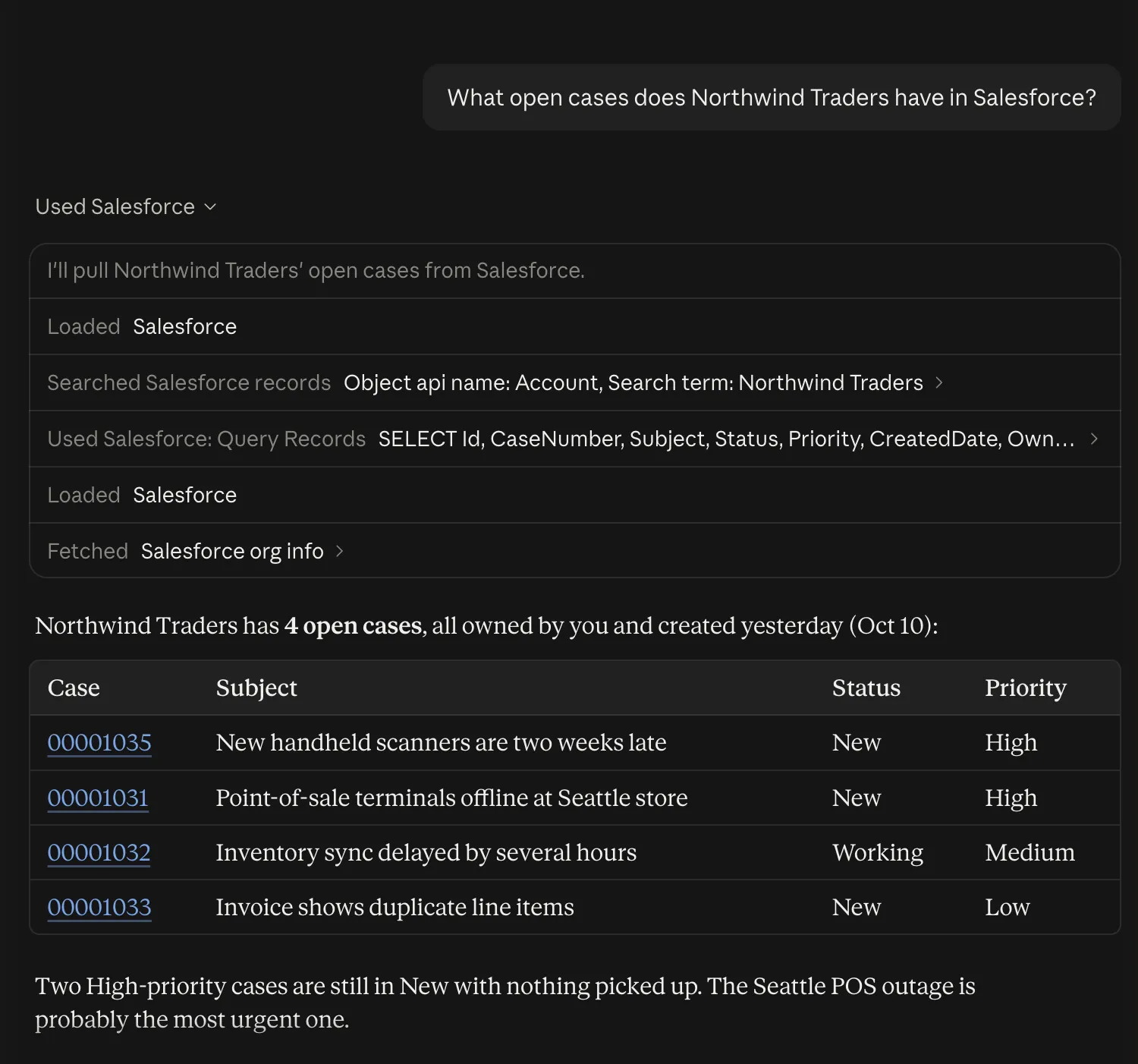
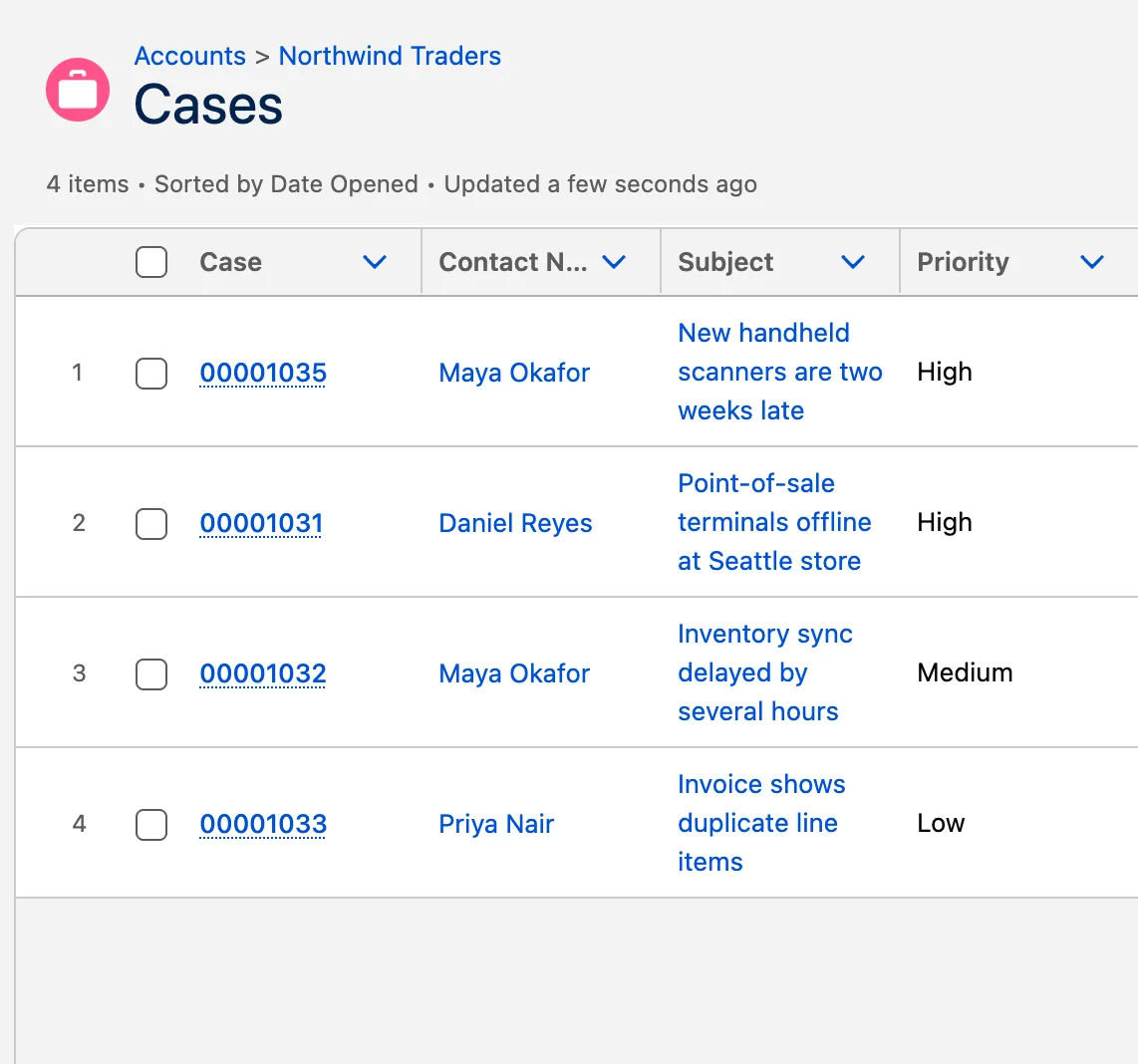
Two ways to use it.
Want Claude or ChatGPT to work with Salesforce? Set up the MCP server. Want a chat assistant inside Salesforce? Set up the agent. They draw on the same set of tools, and you can use either one without the other.
MCP server
Lets AI apps like Claude and ChatGPT read and update your Salesforce data. MCP is the open standard they use to call tools hosted elsewhere, here your org.
- Users sign in with
- Their own Salesforce login, from the client.
Agent
A chat assistant inside Salesforce, in the utility bar. The starter agent is called Lumen, and you can reshape it or add your own.
- Users sign in with
- Nothing extra. They are already in Salesforce.
Why ApexAgent.
MCP server
- No Flex Credits
- Salesforce’s own MCP servers are for Flex Credit customers. This one uses your org’s ordinary API requests.
- Costs nothing to run
- The model belongs to the app each person already uses, such as Claude or ChatGPT.
- You choose the tools
- Each server exposes only the tools you give it, including ones you write.
Cost to run
Salesforce has not yet published its rate for hosted MCP usage.
Agent
- No Agentforce license
- Agentforce is billed by usage. This agent runs on Apex you deploy.
- You pay the model’s price
- You pay your AI provider for what you use. Nothing is added per action.
- Works with your provider
- Use the AI provider your company already has, under the data retention agreement already in place.
Cost of one question
About 18× less on a low-cost model. ApexAgent: the average of 139 logged questions on Gemini Flash. Agentforce: 20 Flex Credits an action.
Set it up in three steps.
About 15 minutes. The install guide covers what you need first and walks through each step.
Works in Developer, Enterprise, Performance and Unlimited Edition orgs.
Deploy
From a terminal or VS Code, into an org where you are an admin.
Run setup
One script creates the starter agent, Lumen, the MCP server and the ten tools.
Connect
Add Claude or ChatGPT as an MCP client, or add a model provider key for the agent.
Your data, your rules.
An AI model only ever sees what answers the question, and only data that user may see. It goes to the provider you choose, under the agreement you already have with them.
- Who sees what
- Every tool that touches records runs as the signed-in user. Sharing rules, object permissions and field-level security all apply.
- The audit trail
- Every tool call and agent conversation is saved in your own org. Users see their own, admins see all. ApexAgent stores nothing anywhere else.
- Where data goes
- Only to the AI provider you choose. Whether they keep it is set by your agreement with them, such as the zero data retention terms most enterprises already have.
- What an AI can do
- Only what you allow. You pick the tools each agent and MCP server may use.
Configured with records, not code.
Each of these is a record in ApexAgent's Setup Portal app. Change what an agent is told and it applies from the next message, with nothing to deploy.
- Tools
- Ten included, for finding, reading and saving records. Add your own with one Apex class.
- Agents
- As many as you need, each with its own name, look, instructions and model.
- MCP servers
- More than one, each with its own set of tools. Keep one read-only, for example.
Open source, MIT licensed.
All of ApexAgent is on GitHub. Read the code before you deploy it, change it to fit your org, and send back what you fix.