

Built-in tools
ApexAgent ships with ten tools.
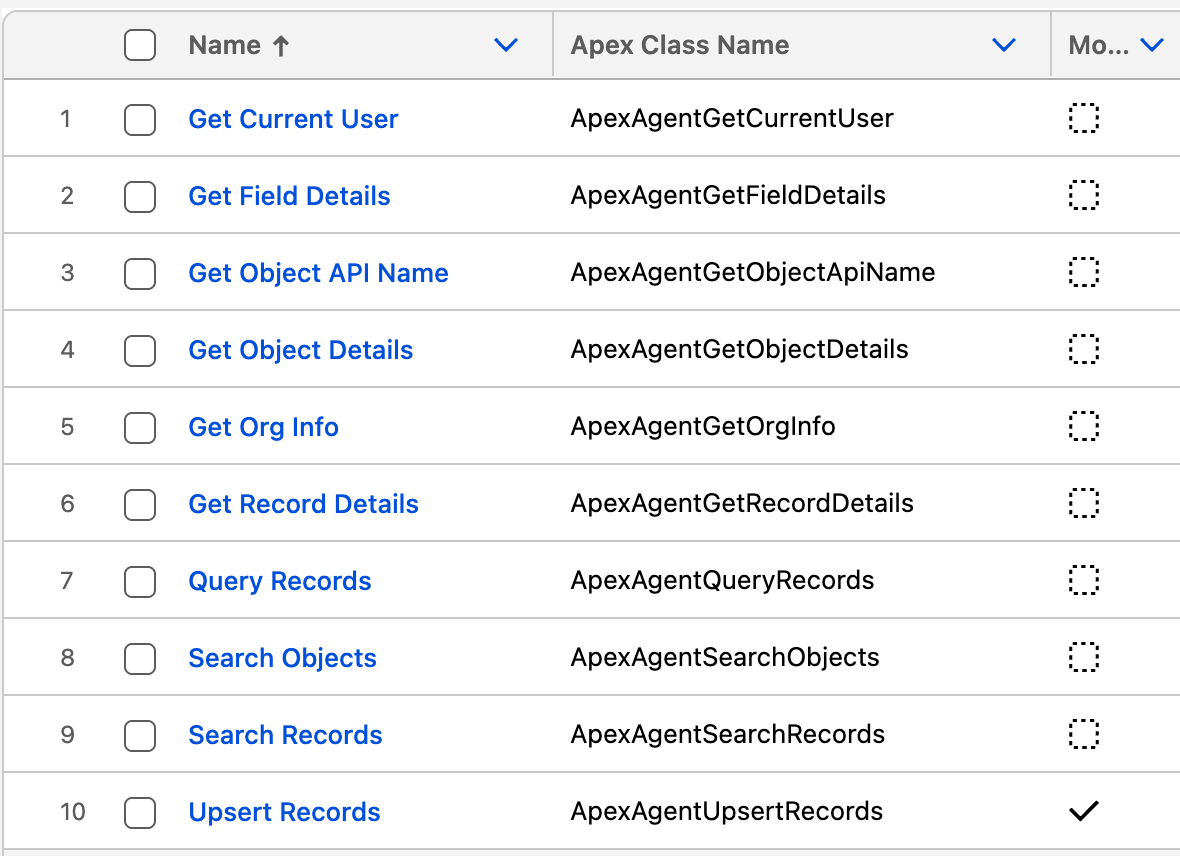
Available to the MCP server and the agent
Section titled “Available to the MCP server and the agent”| Tool | What it does |
|---|---|
ApexAgentSearchObjects |
Finds objects by name or label when the exact API name isn’t known |
ApexAgentGetObjectDetails |
Describes an object: fields, required fields, record types, child relationships |
ApexAgentGetFieldDetails |
Describes specific fields in depth, including picklist values and lookup targets |
ApexAgentGetObjectApiName |
Tells which object a record ID belongs to |
ApexAgentGetRecordDetails |
Reads one record by ID |
ApexAgentSearchRecords |
Fuzzy-searches records by name within an object |
ApexAgentQueryRecords |
Runs a SOQL query |
ApexAgentUpsertRecords |
Creates or updates records |
What it can do out of the box
Section titled “What it can do out of the box”- Read: find objects, describe them, and read, search and query records.
- Write: create and update records, through
ApexAgentUpsertRecords. This is on for both Lumen and the Default MCP Server. - Delete: nothing. There is no delete tool.
Lumen is instructed to show what will change and wait for the user to confirm before it updates a record. An MCP client such as Claude asks the user for permission before it runs a tool.
To make an agent or a server read-only, take ApexAgentUpsertRecords off it. See Customise an agent and Configure MCP servers.
MCP server only
Section titled “MCP server only”Two more give MCP clients the context they otherwise lack:
| Tool | What it does |
|---|---|
ApexAgentGetCurrentUser |
Tells the client who it is acting for: name, email, username, title, profile, role, manager, time zone and locale |
ApexAgentGetOrgInfo |
Gives the org’s name, Id, edition and base URLs, plus a record link template so the client links records instead of showing bare IDs |
Permissions
Section titled “Permissions”Every tool runs as the signed-in user. Object permissions, field-level security and sharing rules all apply, so nobody sees or changes anything they couldn’t in the Salesforce UI.
The two MCP-only tools are the one exception: they read in system mode, but only the signed-in user’s own user record and the org’s settings, so they still work for users with minimal permissions.
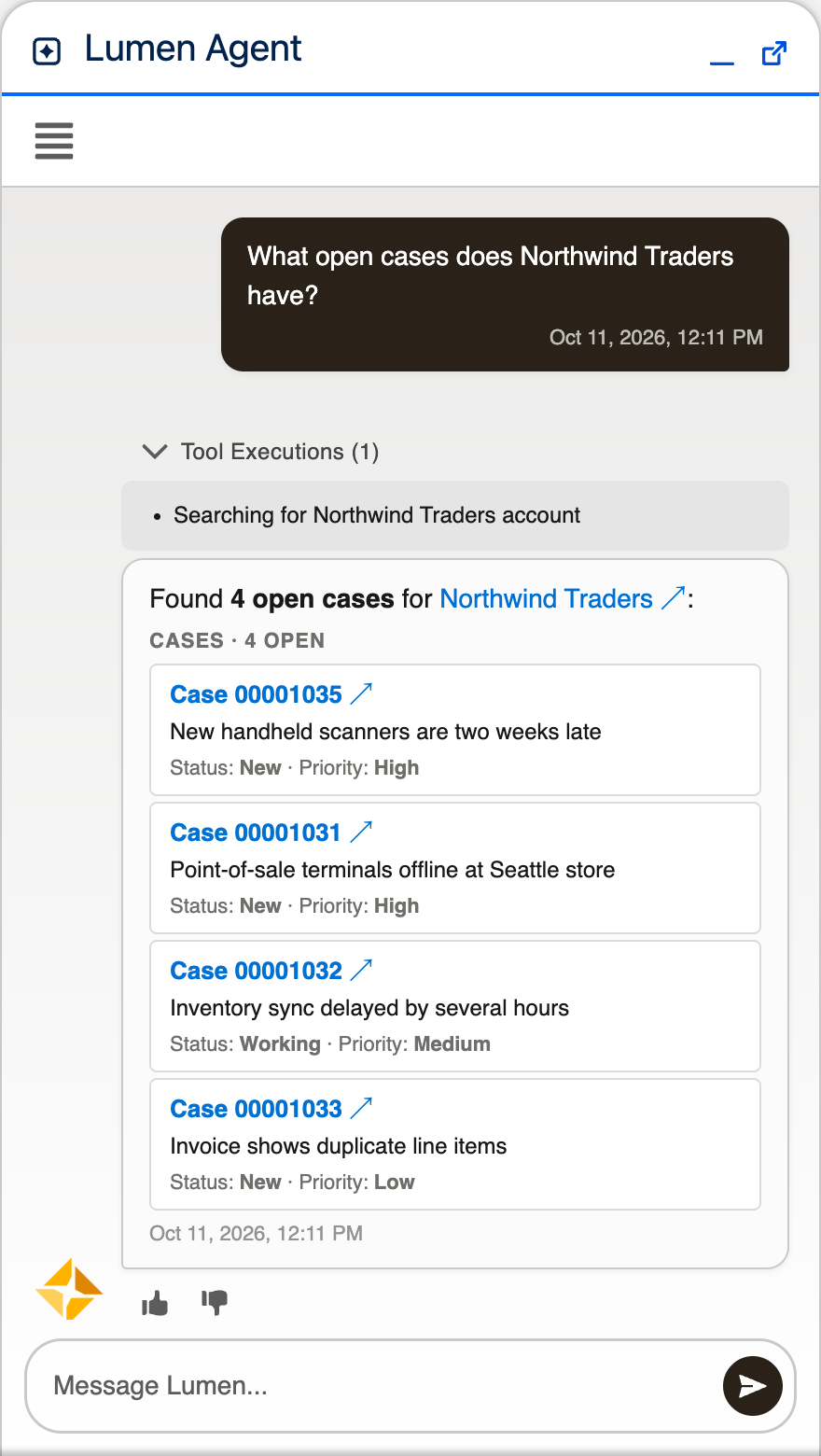
In the agent, every reply shows which tools ran to produce it.
More tools
Section titled “More tools”You can add your own tool by writing one Apex class.