

Connect ChatGPT
You need two values from Set up the MCP server: the Endpoint URL and the client ID (the External Client App’s Consumer Key).
ChatGPT asks for more settings than Claude does. Three of them must be changed from what ChatGPT picks by default, or sign-in fails: the registration method, the token endpoint auth method and OIDC. The steps below call each one out.
Before you start
Section titled “Before you start”Custom MCP servers have to be allowed on your ChatGPT account. In a company workspace, an admin controls this. If you do not see Add custom MCP server in step 1, see OpenAI’s guide, Connect from ChatGPT, or ask your workspace admin.
1. Open the form
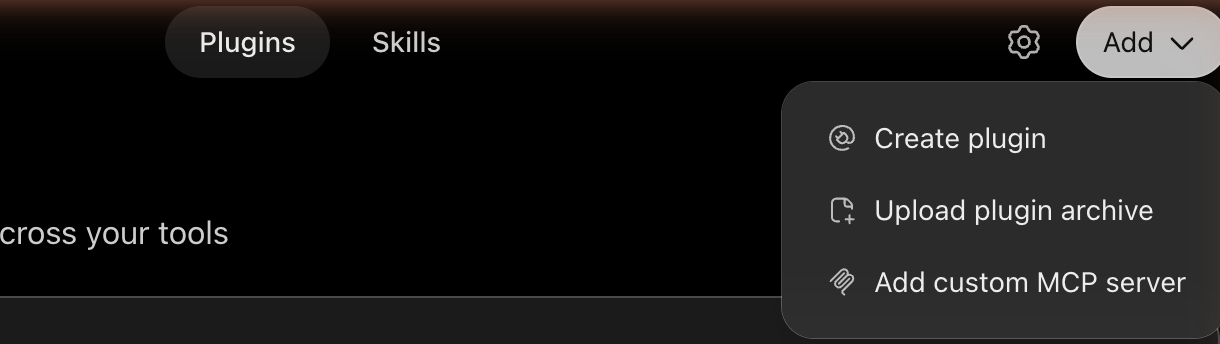
Section titled “1. Open the form”In ChatGPT, open Plugins in the sidebar. Select Add at the top right, then Add custom MCP server.
2. Enter the name and the URL
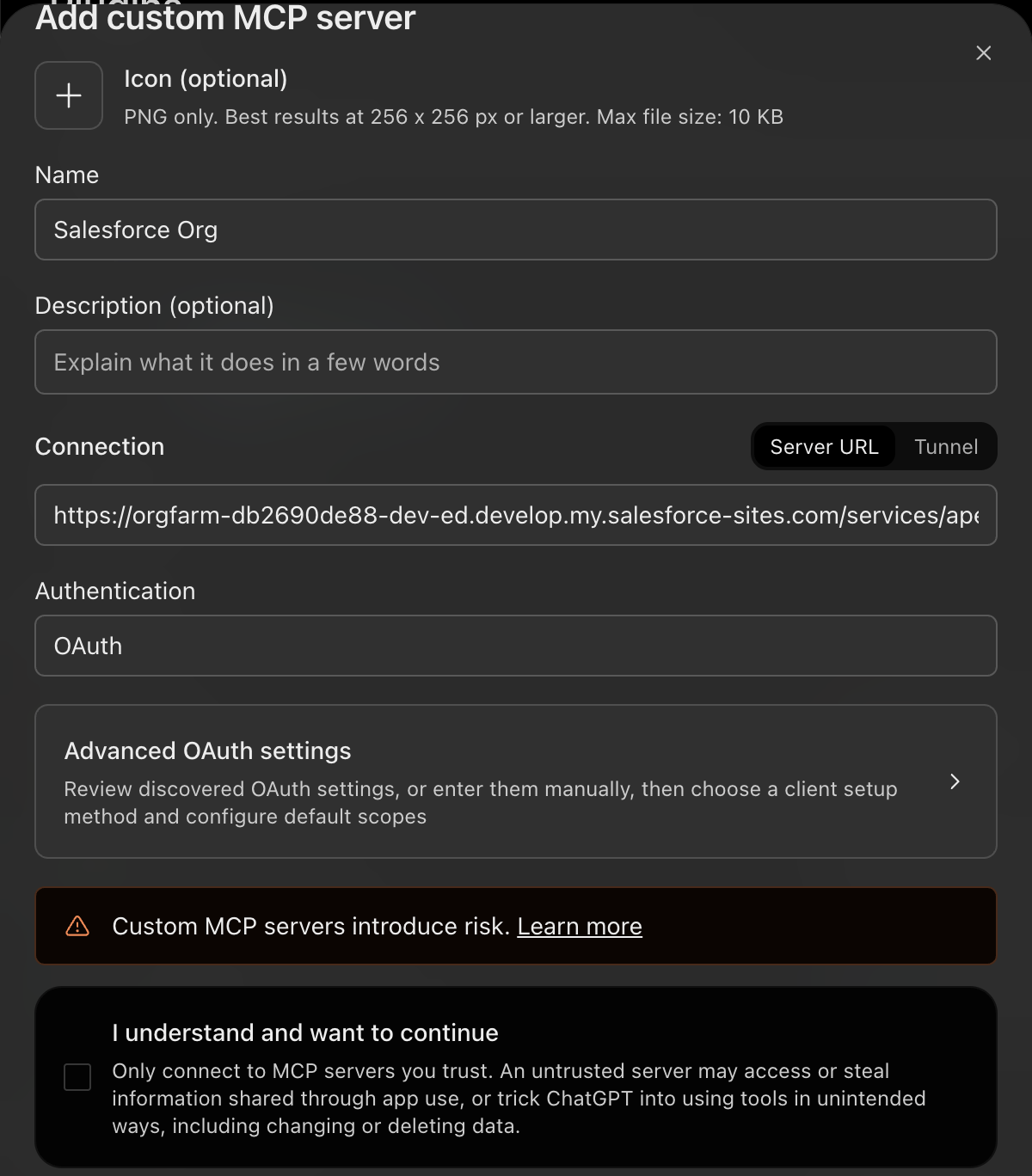
Section titled “2. Enter the name and the URL”- Name: something that tells you which org it is, such as
Salesforce Org. ChatGPT refuses a name another app already uses, plainSalesforceincluded. - Connection: leave it on Server URL and paste the Endpoint URL.
- Authentication: leave it on OAuth.
Do not create it yet. ChatGPT reads the server’s sign-in details as soon as you paste the URL, and Advanced OAuth settings becomes available. Select it.
3. Use your own OAuth client
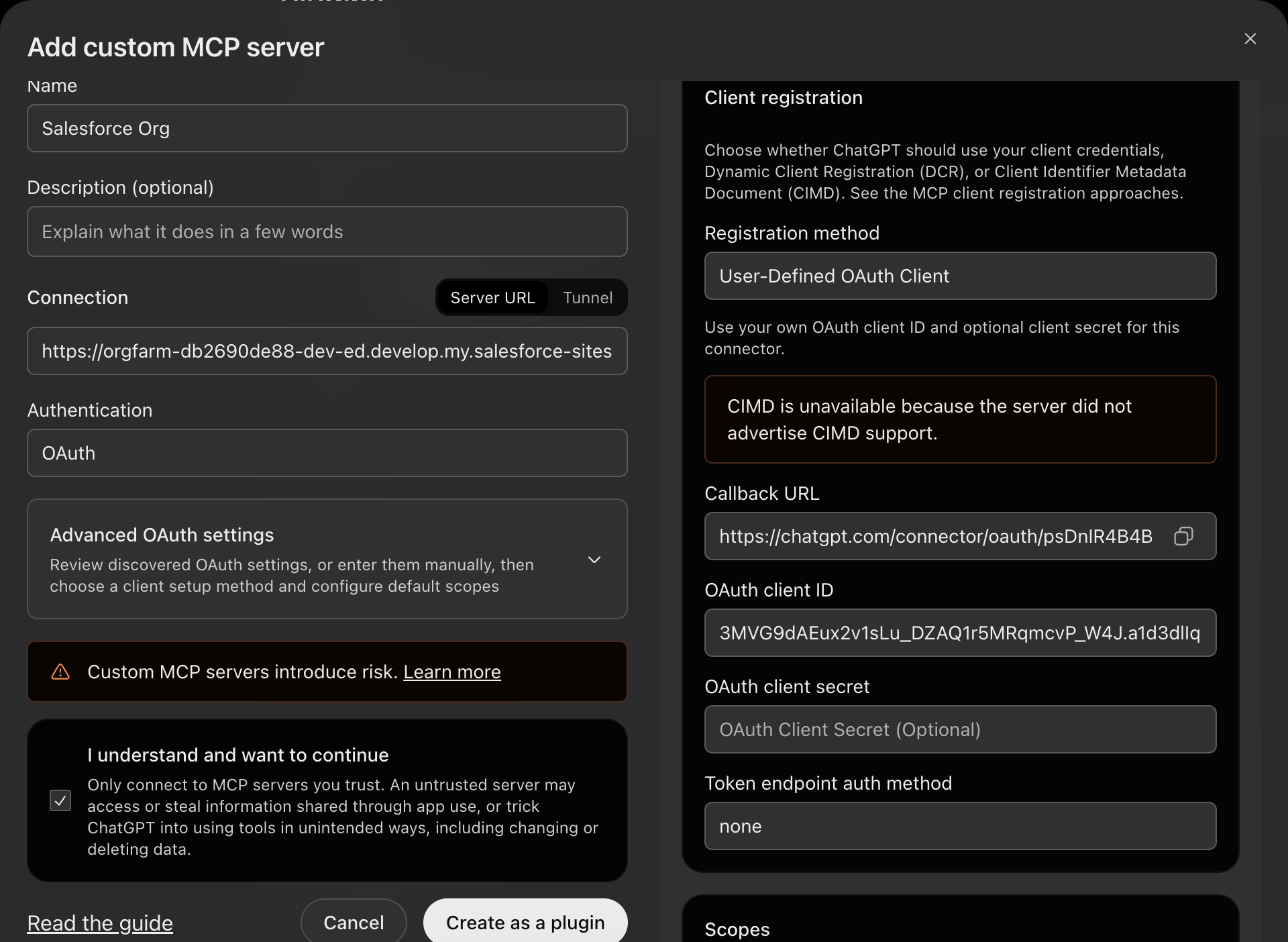
Section titled “3. Use your own OAuth client”The advanced settings open beside the form. Under Client registration:
- Change Registration method to User-Defined OAuth Client. ChatGPT preselects Dynamic Client Registration, which Salesforce does not support.
- Paste the Consumer Key into OAuth client ID.
- Leave OAuth client secret empty.
- Change Token endpoint auth method to none. There is no secret to send.
4. Allow ChatGPT’s callback URL in Salesforce
Section titled “4. Allow ChatGPT’s callback URL in Salesforce”The same panel shows a Callback URL. Salesforce only sends users back to URLs you have allowed, so copy it with the button beside it.
In Salesforce Setup, open External Client App Manager, edit ApexAgent MCP, and add the URL to Callback URL under its OAuth settings, on a line of its own. Save. Salesforce can take a few minutes to apply the change.
You can leave the ChatGPT form open while you do this.
5. Check the scopes and turn off OIDC
Section titled “5. Check the scopes and turn off OIDC”Scroll down in the advanced settings.
Under Scopes, api and refresh_token should both be ticked. ChatGPT finds these from the server. Leave Base scopes empty.
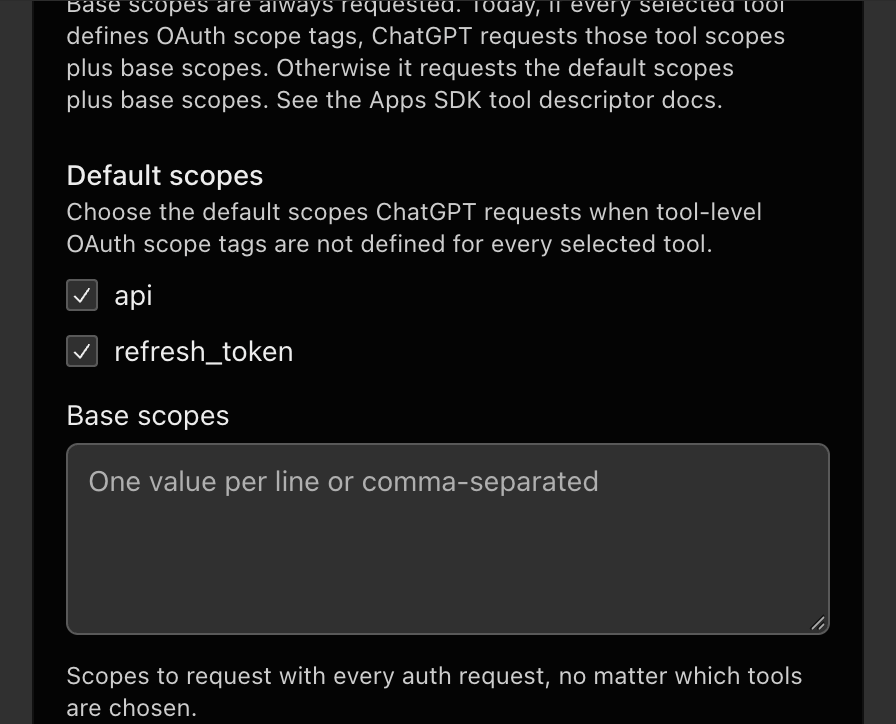
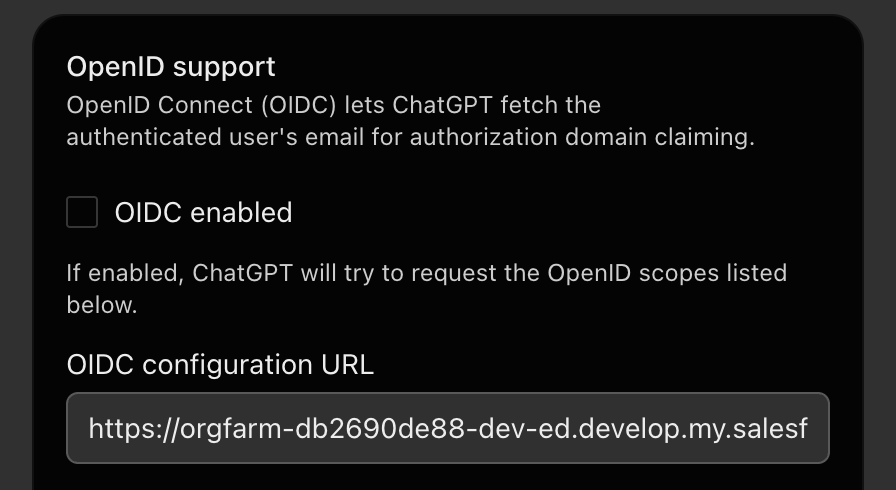
Further down, under OpenID support, untick OIDC enabled. Left on, ChatGPT asks Salesforce for extra scopes the app does not allow, and sign-in fails with invalid_scope.
6. Create it and sign in
Section titled “6. Create it and sign in”Back on the left, tick I understand and want to continue, then select Create as a plugin.
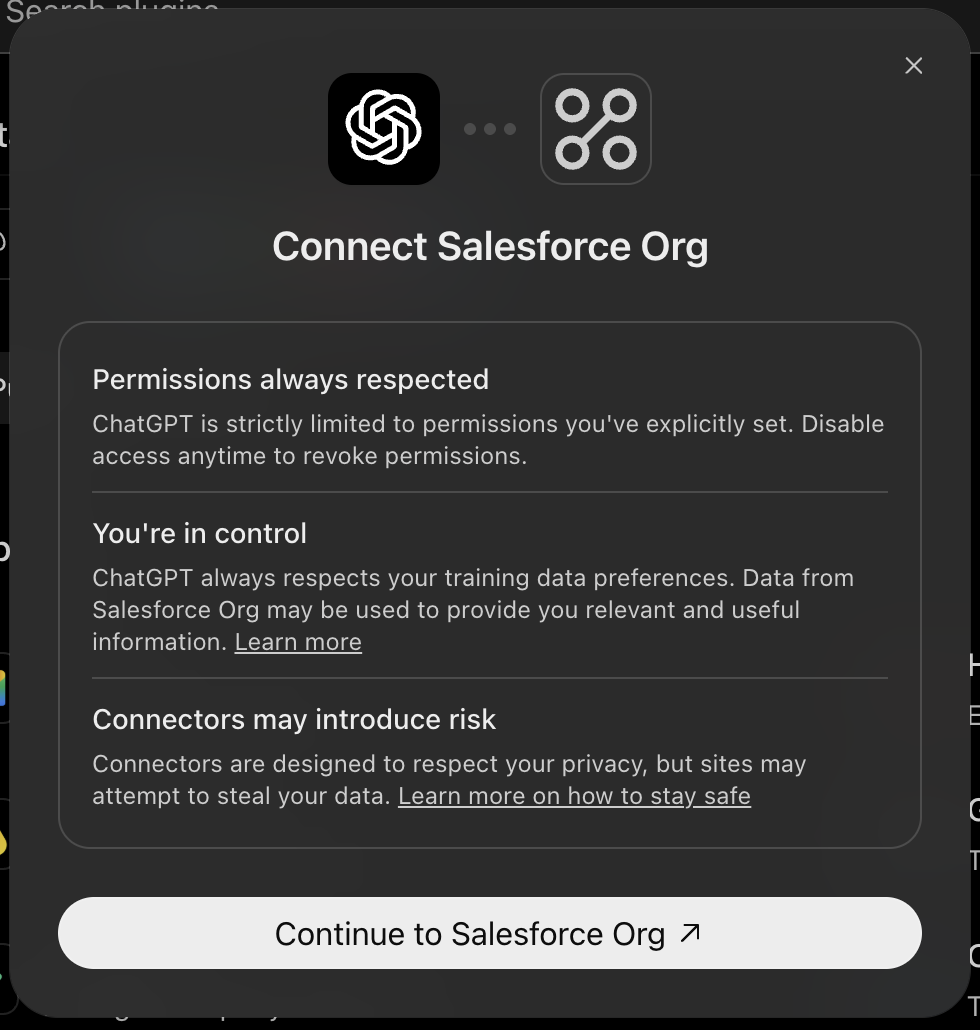
ChatGPT then offers to connect. Select the Continue to button, which carries your connector’s name, and sign in with your own Salesforce login. If you are already signed in to Salesforce in that browser, it connects straight away.
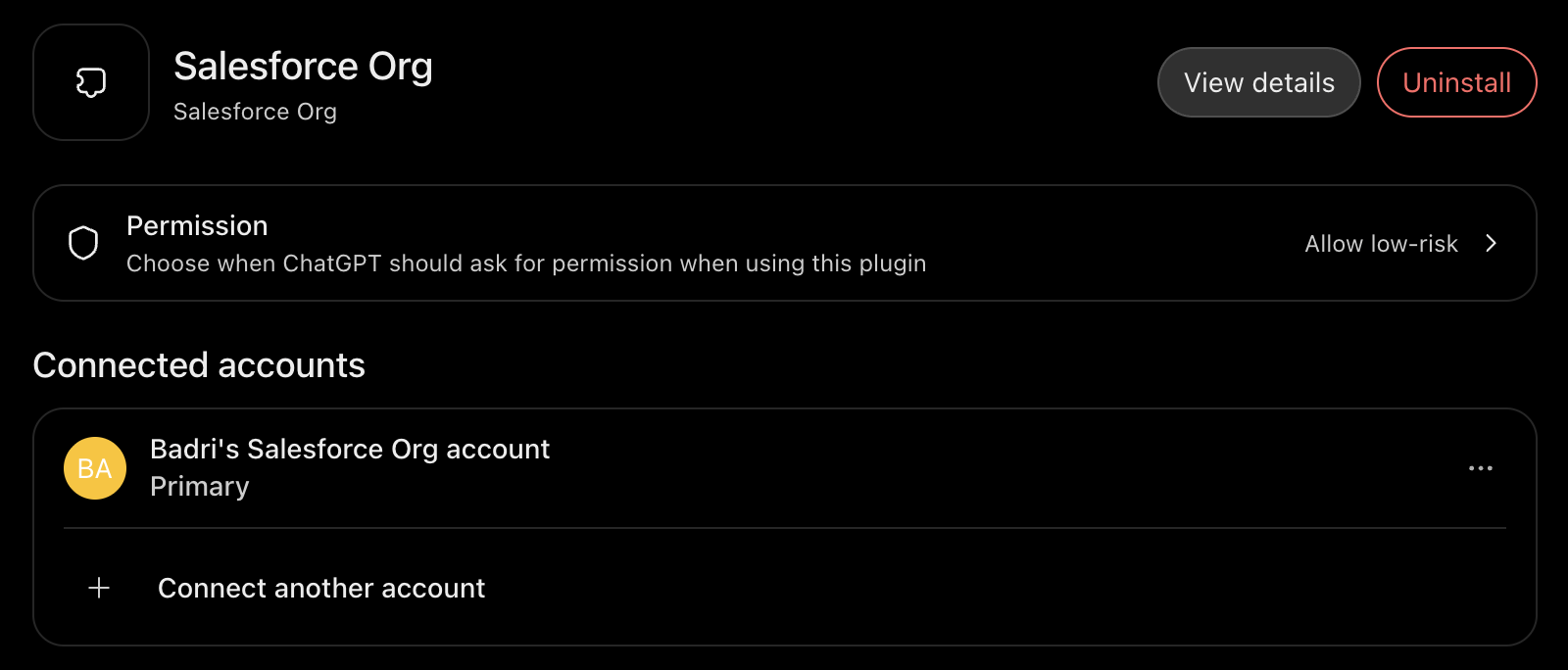
When it has worked, the plugin’s page lists your Salesforce account under Connected accounts.
7. Try it
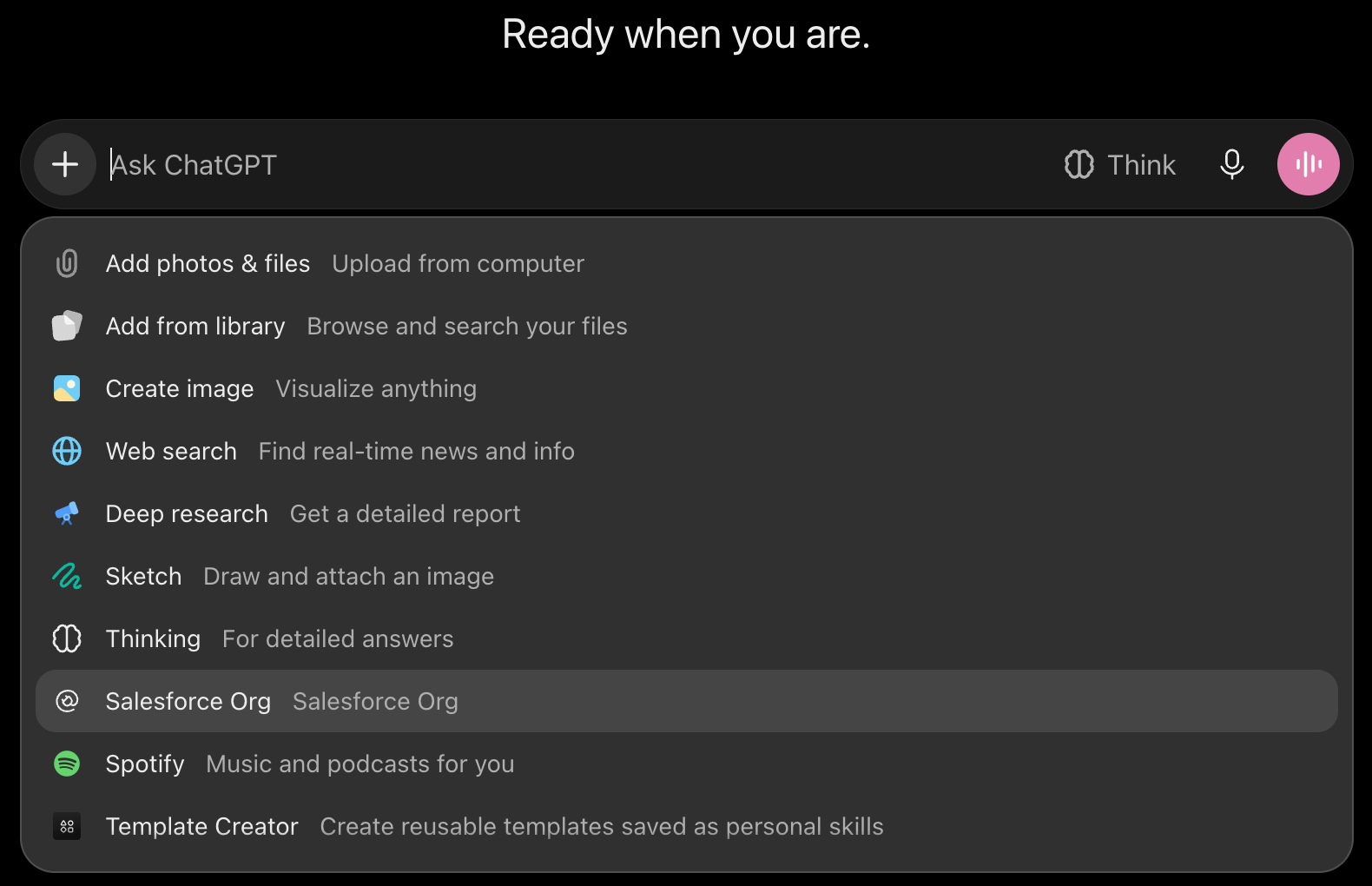
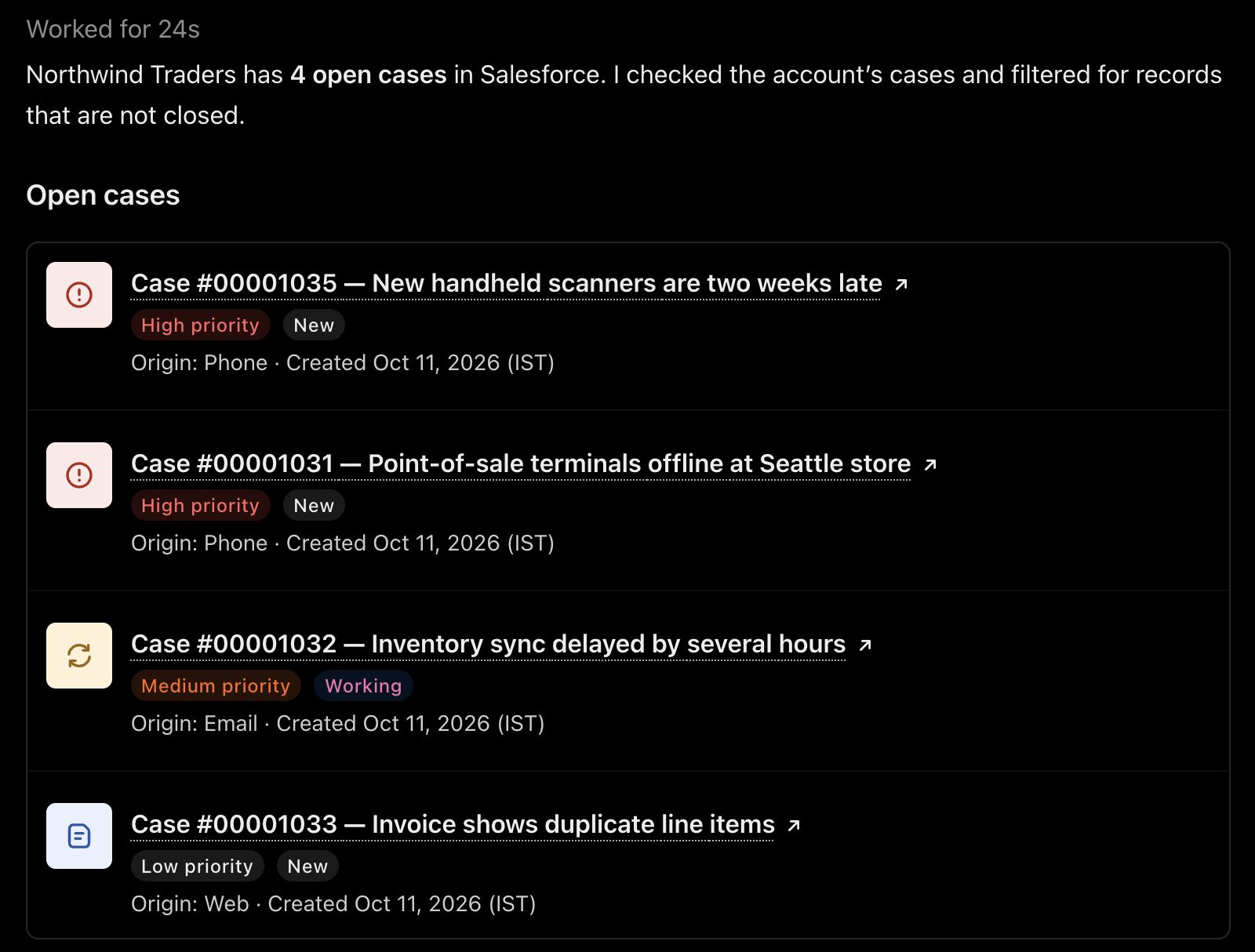
Section titled “7. Try it”Start a new chat. Select + in the message box and choose your connector, then ask something about your org.
If sign-in fails
Section titled “If sign-in fails”| What you see | What to check |
|---|---|
invalid_scope |
OIDC enabled is still ticked |
redirect_uri_mismatch |
The callback URL is not in the External Client App yet, or the change has not applied. Wait a few minutes and try again |
| An error about registration | Registration method is still Dynamic Client Registration |
invalid_client |
Token endpoint auth method is not none, or the client ID is not the Consumer Key |
| Sign-in works, then you are refused | You do not have the ApexAgent User permission set |
After you change which tools the server exposes, open the plugin’s page in ChatGPT and select Refresh tools.