Logs and dashboards
The Setup Portal has tabs for:
- Agent Thread Logs and Agent Message Logs: each agent conversation and each turn in it, with token counts and cost
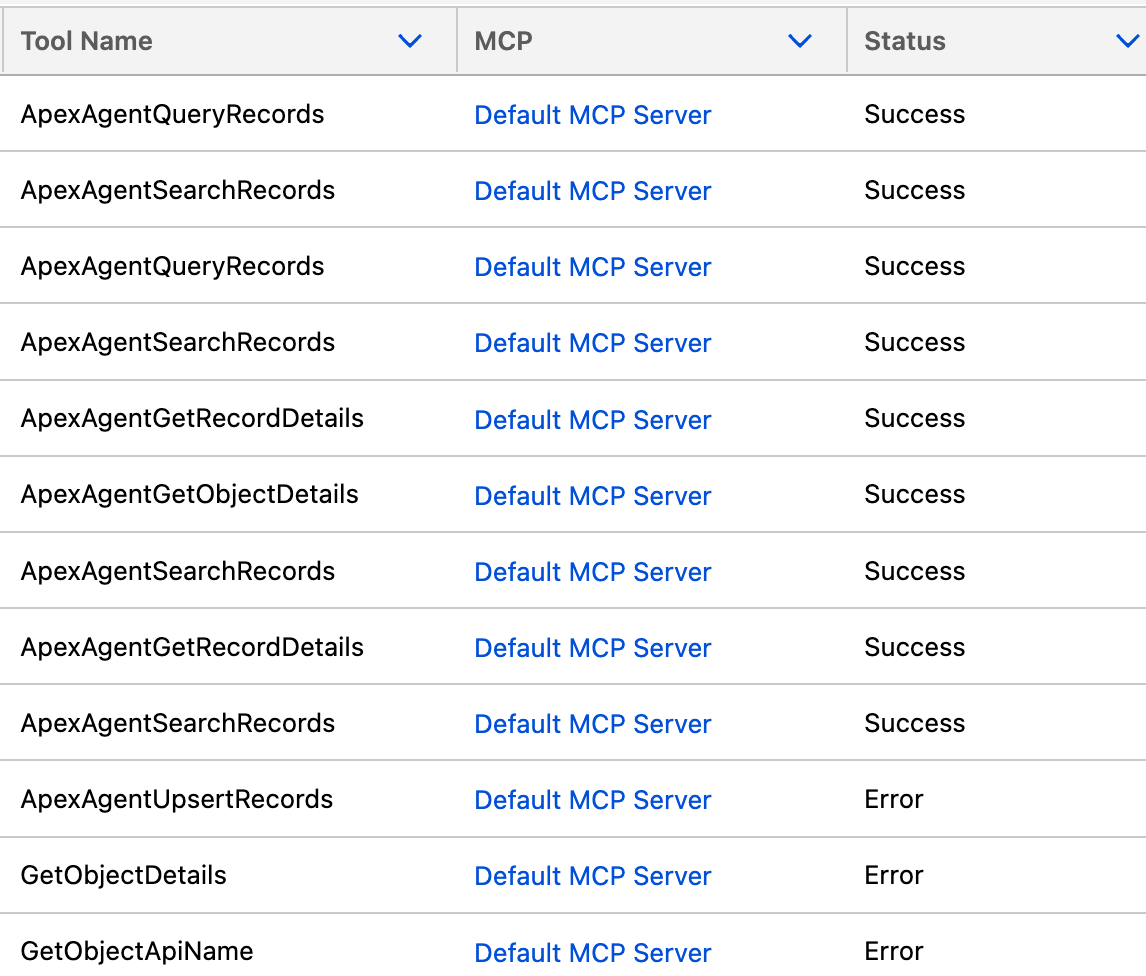
- Tool Logs: every tool call from the agent or an MCP client, with inputs, outputs, duration and status
- Agent Error Logs: failures, with stack traces
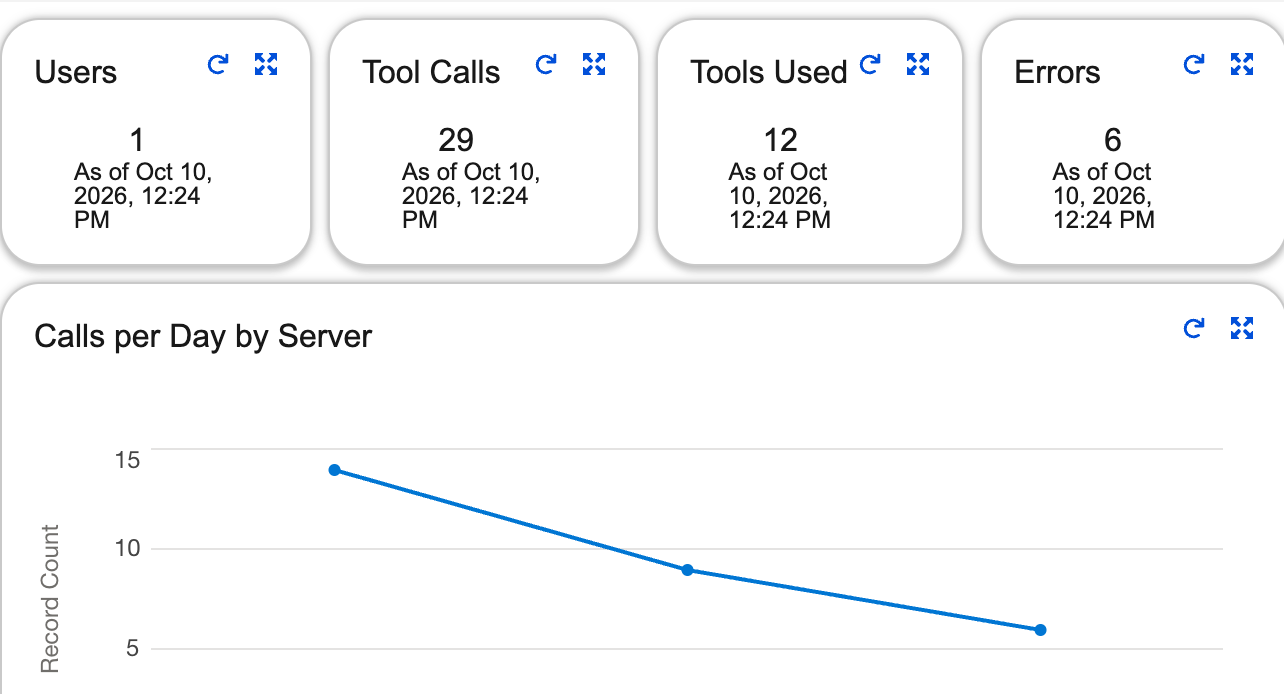
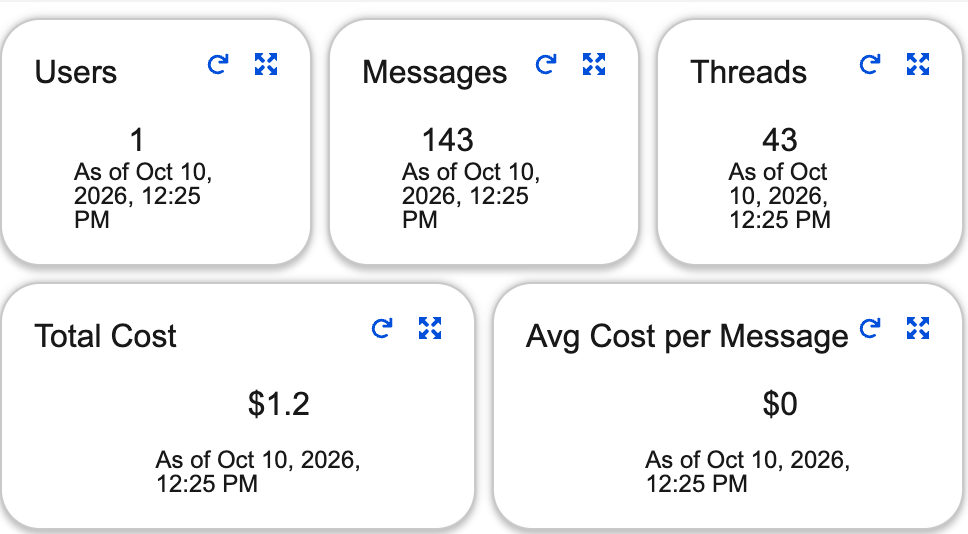
- Agent Dashboard and MCP Dashboard: usage, errors and slowest calls
Tool logs
Section titled “Tool logs”Each row is one tool call. Open a row to see its inputs, its output and, for a failure, the error.
Agent dashboard
Section titled “Agent dashboard”How much the agent is used and what it costs: users, messages, threads, tokens and spend.
MCP dashboard
Section titled “MCP dashboard”What connected clients are doing: how many calls, which tools, how many failed and how long they took.